AVS/CVV: Configuration and error codes
Problem Statement
This article helps you understand 'avs/cvv: configuration and error codes'.
Solution
Braintree's elaborate AVS and CVV settings allow you to reject transactions that do not meet your fraud filter criteria. You can access AVS settings via Settings >> Processing >> Basic Credit Card Fraud Tools >> AVS and >> CVV on your Braintree dashboard.
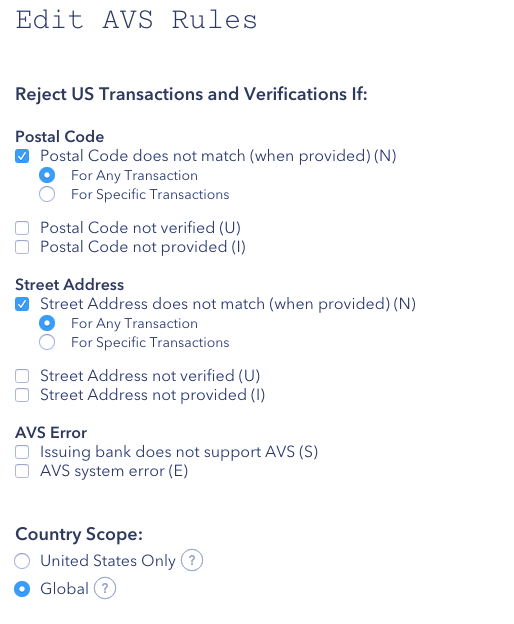
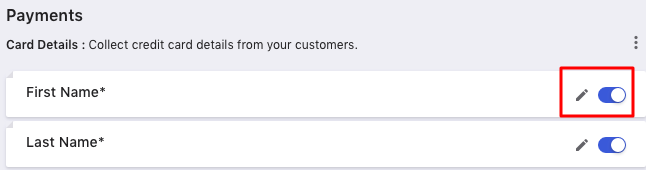
Note: Remember to make sure your settings on Chargebee's field configuration page match the settings you choose here. Navigate to Settings > Configure Chargebee > Checkout and Self-Serve Portal > Fields > Payments. Here you can enable the fields and set them as mandatory by clicking on the edit icon.
If a transaction fails to meet the configured AVS criteria, it is declined at Braintree before processing - this is called a gateway rejection. AVS gateway rejections are accompanied by error codes and responses that reflect which filter was tripped, find a list of them here.
Was this article helpful?