Can I edit the units or quantity labels in Chargebee?
Problem Statement
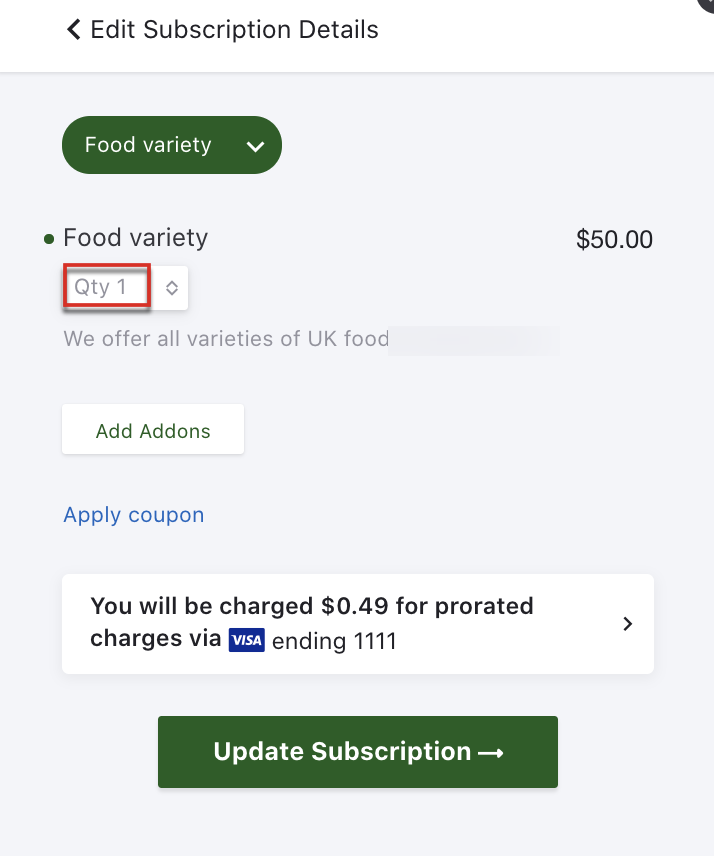
How do I edit the unit name? Can I change the "Qty" label in the customer checkout portal to "Days" or "Employees"?
Solution
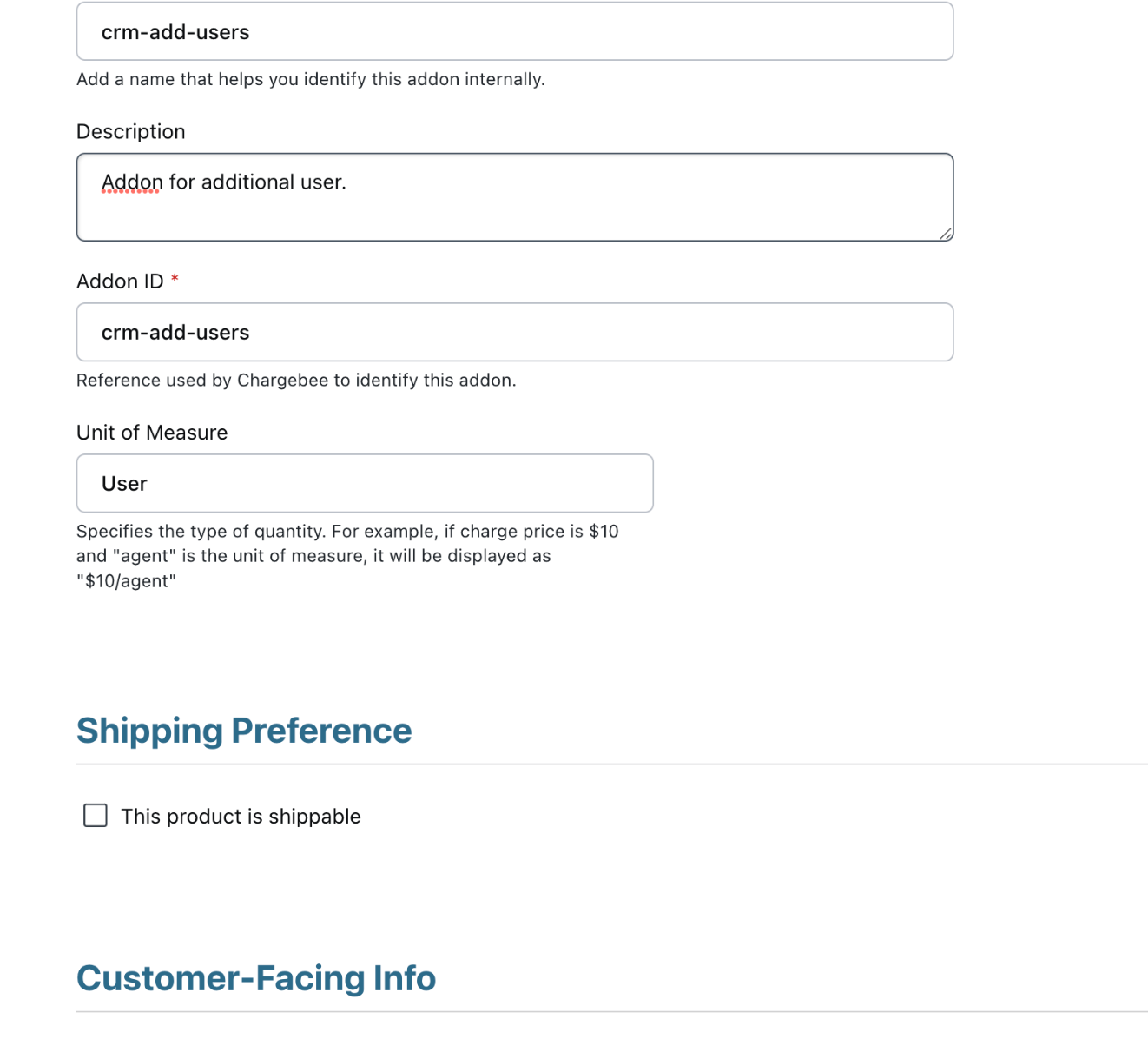
The Quantity text on the checkout page or portal cannot be changed. The unit of measure for a plan also cannot be edited. You can specify the unit of measure only for unit-based addons, not for plans. For plans, you can edit the External name and Internal name.
Steps to Set It Up
Unit of Measure (addons only): The unit of measure defines the addon unit (e.g., "user" for a reports addon priced per user). Configure this when setting up the addon.
Other labels: You can customize descriptions, label names, buttons, and fields on checkout or portal pages:
- Go to Settings > Configure Chargebee > Checkout & Self Service Portal > Labels/Fields
Was this article helpful?